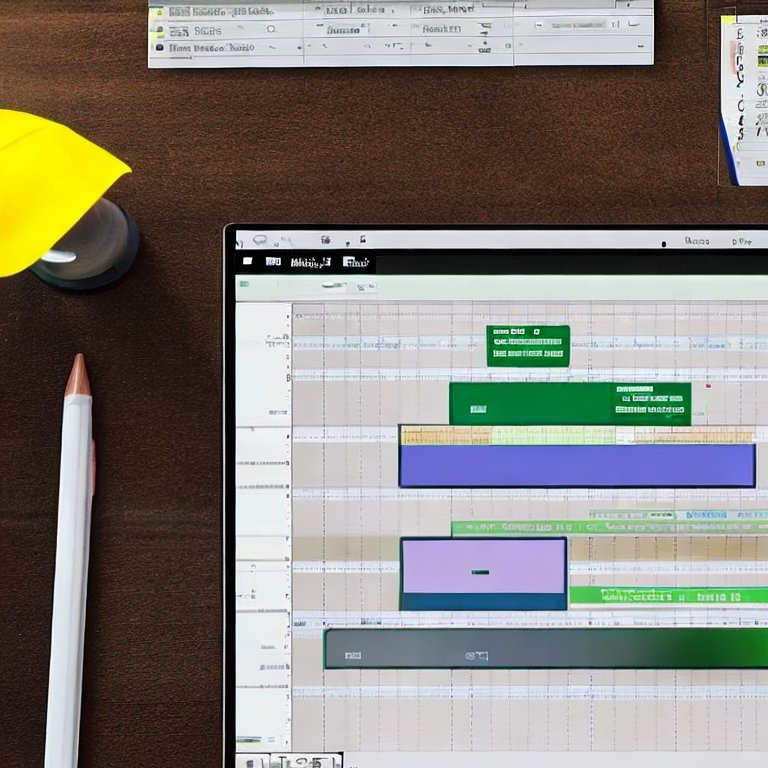
MS Projectで良く使うキーボードショートカットリストです。しばらくProjectを使わない生活をしていたので、自分の頭の整理と備忘をかねてリストアップしておきます。
目次
Contents
Excelと同じ発想・共通のショートカット
- タスクの編集:タスクを選択し、F2を押します。
- 次のフィールドに移動:Tab
- 前のフィールドに移動:Shift + Tab
- 変更を保存してプロジェクトプランを更新:Ctrl + S
- タスクをコピーする:Ctrl + C
- タスクを貼り付ける:Ctrl + V
タスクのインデント
- インデントしたいタスクを選択し、Alt + Shift + 右矢印を押します。
タスクのアウトデント
- アウトデントしたいタスクを選択し、Alt + Shift + 左矢印を押します。
サブタスクの表示/展開
- タスクを選択し、**Alt + Shift + プラス記号 (+)**を押します。
サブタスクの非表示/折りたたみ
- タスクを選択し、**Alt + Shift + マイナス記号 (-)**を押します。
すべてのサブタスクの表示/非表示
- タスクを選択し、**Alt + Shift + アスタリスク記号 (*)**を押します。
タスクのリンク
- リンクしたいタスクを選択し、Ctrl + F2を押します。
タスクのリンク解除
- リンクを解除したいタスクを選択し、Ctrl + Shift + F2を押します。
選択したタスクのガントチャートの表示
- 現在のタスクのガントチャートを表示するには、タスクを選択し、Ctrl + Shift + F5を押します。これは「選択したタスクに移動」または「選択したタスクの表示」などと呼ばれることもあります。



Hiroshi is a Tokyo-based project manager specialising in international operations within the global MedTech company. Originally from Hokkaido, he holds a postgraduate degree in international relations — including study periods in the United States and Sweden — and has lived and worked across Malaysia, Switzerland, China, and the Philippines.
Beyond his industry career, he served as Manager for the 23rd World Scout Jamboree in 2015, where he managed liaison with delegations from over 150 countries, coordinated with the World Organisation of the Scout Movement (WOSM), and led on-site risk response. He has also contributed to disaster relief efforts following the Great East Japan Earthquake and other natural disasters across Japan.
This blog covers travel, productivity, technology, and global careers — written as a way of thinking through ideas and consolidating what he learns along the way.
Discover more from hiroshi.today
Subscribe to get the latest posts sent to your email.